

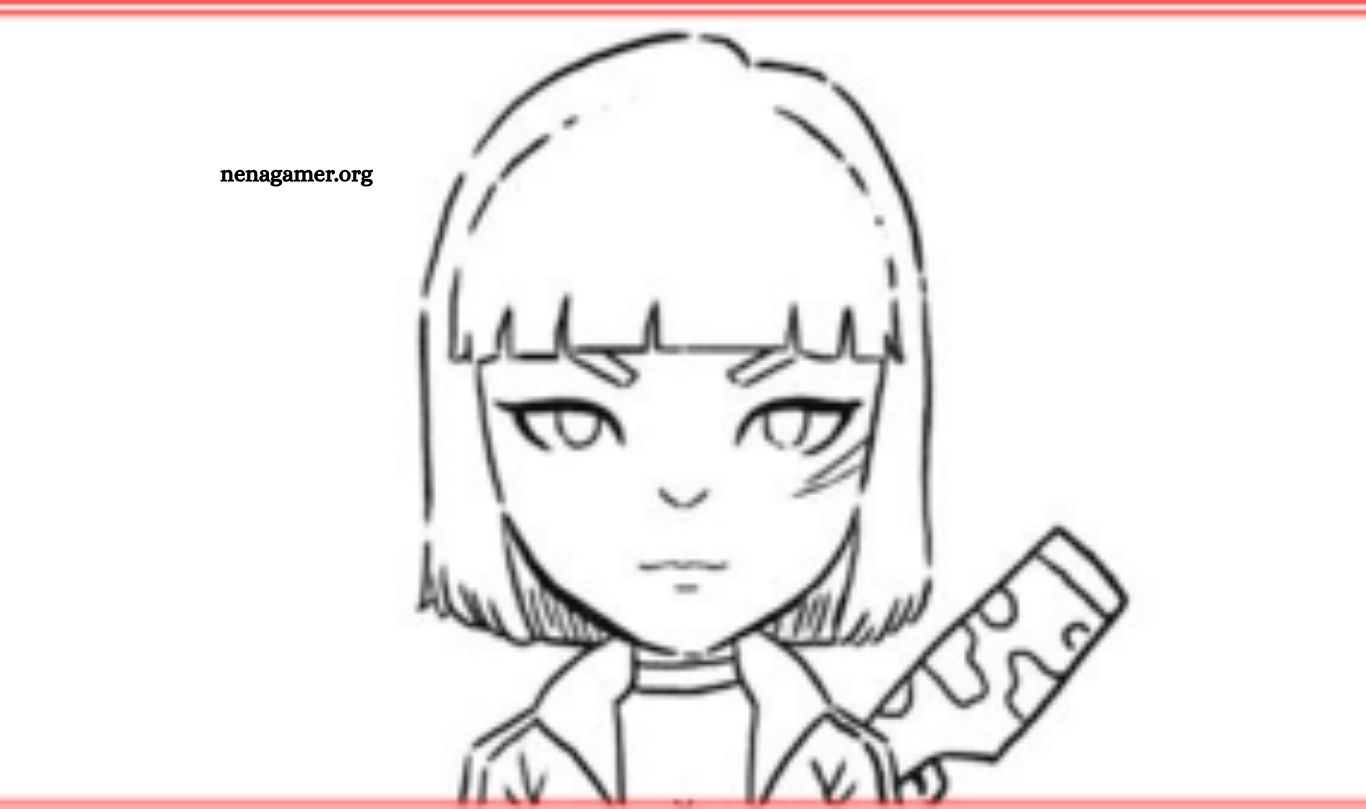
Are you interested in designing your own Free Fire coloring pages? Whether you’re a passionate fan of the popular battle royale game or simply looking for a unique way to express your creativity, making personalized coloring pages can be a rewarding and enjoyable project. Creating Free Fire-themed illustrations allows you to engage with the game’s characters, weapons, and environments in a hands-on, artistic way.
These custom pages can be used for personal enjoyment, shared with friends, or even included in fan art collections. In this guide, you’ll discover a simple, step-by-step approach to crafting high-quality coloring pages inspired by Free Fire. No advanced design skills are required—just a love for the game and a desire to create something original and fun.
Read More: Litomplo ID for Free Fire: Redeem Codes for Free Skins and Diamonds
Select the Character or Element to Illustrate
Begin by choosing which Free Fire character or in-game element you wish to depict. Popular options include well-known characters such as Hayato, Kelly, or Chrono, as well as iconic items like weapons and vehicles. For beginners, it’s advisable to start with simpler characters or basic elements before advancing to more intricate designs.
Gather Reference Images
Collect clear reference images of your chosen subject. Sources may include official promotional materials, in-game screenshots, or online galleries. These references are essential for accurately capturing details and ensuring your drawing stays true to the original design.
Sketch the Basic Outline
Using pencil and paper, lightly sketch the basic shapes and overall structure of the character or item. Focus on capturing proportions and poses without worrying about fine details. Light lines allow for easy adjustments and corrections.
Add Detailed Features
Once the basic framework is complete, begin incorporating distinctive details such as facial features, clothing, accessories, and weaponry. Aim for clarity and precision to highlight each characteristic.
Ink the Drawing
After finalizing your pencil sketch, trace over the lines with black ink or a fine-tip marker. This step defines the drawing and prepares it for coloring. Allow the ink to dry fully before erasing any pencil marks.
Digitize Your Artwork
Scan your inked drawing or photograph it with a high-resolution camera or smartphone. Digitizing your artwork enables easy sharing and printing for coloring purposes.
Edit Digitally (Optional)
Use image editing software such as Adobe Photoshop or free alternatives like GIMP to refine your drawing. Adjust contrast, remove blemishes, and sharpen lines to enhance clarity.
Print Your Coloring Page
Print the finalized image on suitable paper, such as standard white or heavier stock if using markers or paints. Adjust print settings to ensure the size and quality meet your needs.
Share and Engage
Distribute your Free Fire coloring pages through social media, fan forums, or gaming communities. Consider organizing group coloring sessions to foster creativity and connect with fellow enthusiasts.
Creating Free Fire coloring pages is an enjoyable way to blend your passion for the game with artistic expression. Follow these steps to produce detailed, ready-to-color artwork that you and other fans will appreciate.
Frequently Asked Questions
Do I need to be a professional artist to create Free Fire coloring pages?
No, you don’t need professional skills. Even beginners can create great coloring pages by starting with simple characters and using reference images to guide their sketches.
Where can I find Free Fire character references?
You can find high-quality references from in-game screenshots, official Garena Free Fire promotional materials, Google Images, or fan art communities online.
What tools do I need to create a coloring page?
You’ll need basic tools like pencil, eraser, paper, black ink pen or marker, and optionally a scanner or smartphone camera for digitizing your drawing. Editing software like Photoshop or GIMP is helpful but not required.
Can I draw on a tablet or digitally instead of on paper?
Yes, you can use drawing tablets or digital art software like Procreate, Adobe Illustrator, or Krita. Digital drawing simplifies editing and makes it easier to share online.
What paper is best for printing coloring pages?
Standard A4 or letter-size white paper works well. For coloring with markers or watercolor, use thicker paper (e.g., cardstock or watercolor paper) to prevent bleeding.
How can I make sure the lines are printable and easy to color?
Use black, clean, and consistent outlines. Avoid shading or colored lines. Ensure lines are closed so that coloring inside them is easier, especially for younger users.
Conclusion
Creating your own Free Fire coloring pages is a fun and creative way to engage with your favorite game. Whether you’re drawing for personal enjoyment or sharing with fellow fans, the process allows you to explore your artistic skills while celebrating the characters and elements you love. With just a few basic tools and a bit of inspiration, anyone can design high-quality, printable coloring pages that bring the world of Free Fire to life. Let your imagination lead the way—and most importantly, have fun!